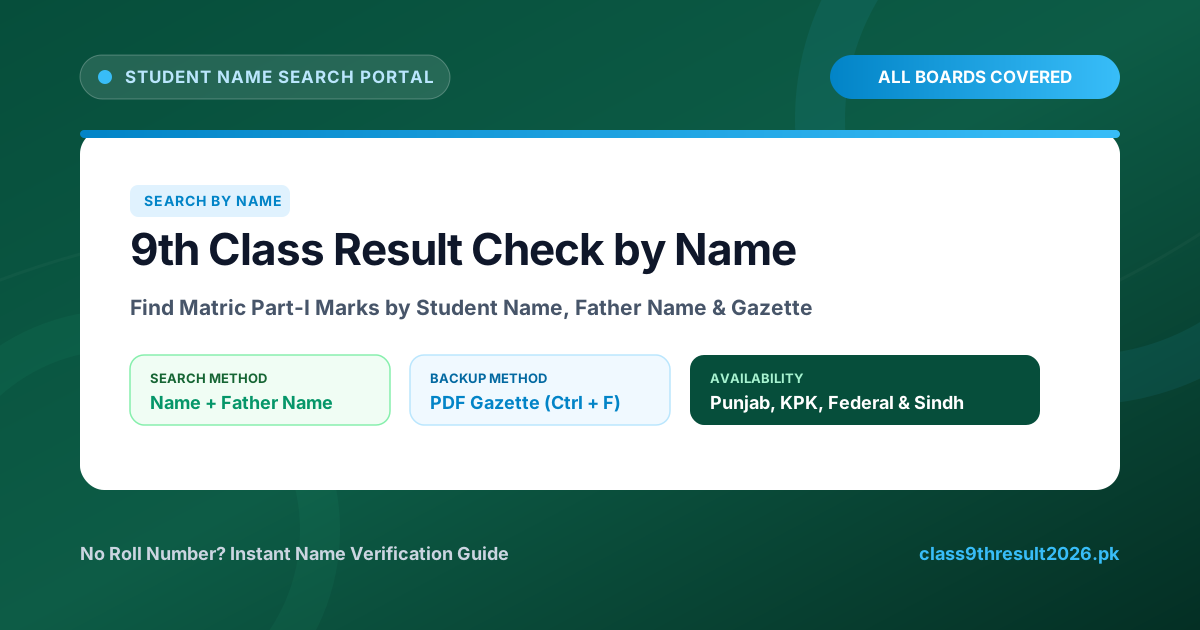
Why Search 9th Class Result by Name?
Every year, thousands of students lose or misplace their exam roll number slips right before the 9th Class Result is declared. When the official board server experiences heavy traffic, searching by name gives candidates, parents, and school administrators an alternate, highly reliable way to access marks.
| Educational Board | Search by Name Available? | Official Gazette PDF | Result Date |
|---|---|---|---|
| BISE Lahore | Yes (Portal & Gazette) | Download Gazette | 02 Sept 2026 (10:00 AM) |
| BISE Multan | Yes (Gazette PDF) | Download Gazette | 02 Sept 2026 (10:00 AM) |
| BISE Gujranwala | Yes (Direct Portal) | Download Gazette | 02 Sept 2026 (10:00 AM) |
| BISE Faisalabad | Yes (Portal & Gazette) | Download Gazette | 02 Sept 2026 (10:00 AM) |
| BISE Rawalpindi | Yes (Gazette PDF) | Download Gazette | 02 Sept 2026 (10:00 AM) |
| FBISE Islamabad | Yes (Online & Gazette) | Download Gazette | Announced |
| BISE Peshawar | Yes (Gazette PDF) | View Peshawar | August 2026 |
Method 1: Check Result by Name on Official Board Websites
Several education boards activate an instant "Search by Name" toggle on their result lookup page. Follow these steps:
- Open the official website of your respective board (e.g., BISE Lahore or BISE Gujranwala).
- Click on the "Matric Part-I (9th) Annual Result 2026" tab.
- Select the search option "By Name" instead of "By Roll Number".
- Enter your Full Name (as spelled in your admission form) and your Father's Name.
- Click "Search Result" or "Submit" to view your detailed online marks transcript.
Method 2: Check 9th Class Result by Name in Gazette PDF (100% Guaranteed)
If your board’s web server is overloaded or does not have a live name search filter, the Result Gazette PDF is the guaranteed method to find your result.
Step-by-Step Gazette Search Guide:
- Download the 9th Class Result Gazette PDF for your board from our Gazette Download Page.
- Open the downloaded PDF file using Adobe Acrobat Reader, Google Chrome, or your phone's built-in PDF viewer.
- Press Ctrl + F on your computer keyboard (or tap the 🔍 magnifying glass icon on mobile).
- Type your exact name (e.g., Muhammad Hamza or Fatima Noor) and press Enter.
- Navigate through matching records and verify your Father's Name, School Code, and Roll Number to see your total obtained marks and subject status.
What If Multiple Candidates Have the Same Name?
Because thousands of students share popular names, keep these three verification checkpoints in mind:
- Father’s Name: Match the exact spelling of your father’s name printed in the gazette row.
- School / College Center Name: Look at the institution header preceding your name block in the gazette.
- Registration / B-Form Number: Matches your official BISE registration record.
Check Other 9th Class Result Services
Frequently Asked Questions
No, the mobile SMS inquiry service only accepts roll numbers. To search by name, use the official board online portal or download the Result Gazette PDF.
The official Result Gazette PDF is uploaded on all BISE websites within 30 to 60 minutes after the official 10:00 AM result announcement.
You can locate your roll number by contacting your school administration, looking up your name in the Gazette PDF, or contacting the board helpline with your B-Form number.
Need Help Finding Your Result by Name?
Leave your board name and query below and our team will assist you: